
Category: Guides

Practical guides about IPTV in Canada: costs, devices, setup and channels.

  • How to Install IPTV on Firestick in Canada (2026 Step-by-Step Guide)

    How to Install IPTV on Firestick in Canada (2026 Step-by-Step Guide)

    The short answer

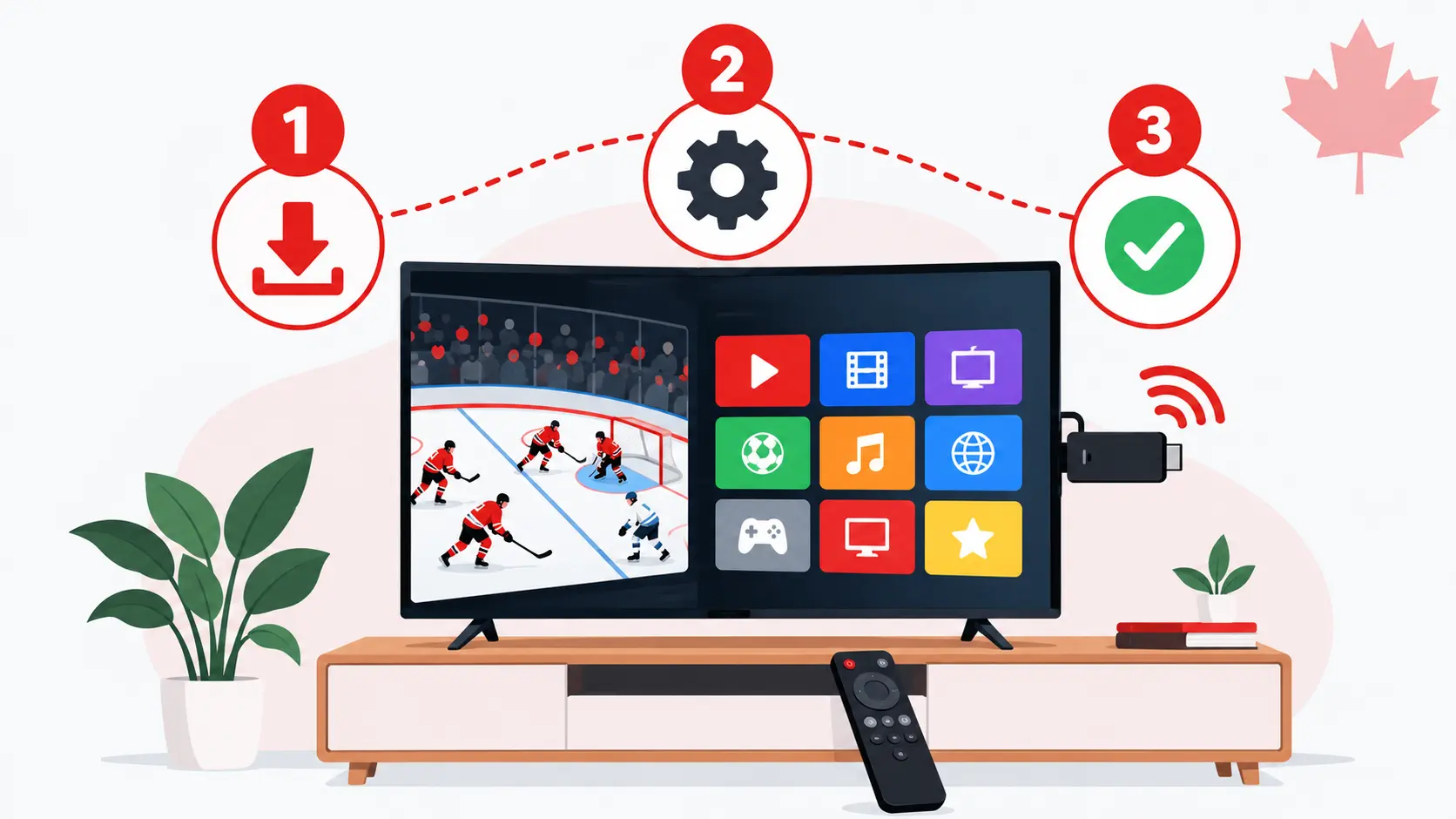
    • To install IPTV on Firestick, plan about 10 minutes: install Downloader, allow it to install apps, add IPTV Smarters Pro, then log in.
    • You need your IPTV login (username, password and server URL) and a stable internet connection.
    • Check your model first: the Fire TV Stick 4K Select and the 2026 Fire TV Stick HD run Amazon’s Vega OS, which does not allow installing IPTV apps this way.

    The Amazon Firestick is one of the most popular ways to watch IPTV in Canada: it is small, affordable and plugs into any TV with an HDMI port. This guide shows you how to install IPTV on Firestick step by step, and how to fix the problems people run into most often.

    Before you start: check your Fire TV model

    Not every Firestick can run IPTV player apps, so check your model before you install IPTV on Firestick. Since late 2025, Amazon has been moving its Fire TV Sticks from Fire OS (based on Android) to its own system, Vega OS. Vega OS only runs apps from the Amazon Appstore, so you can’t install IPTV player apps with Downloader. Amazon has said that all future Fire TV Sticks will run Vega OS.

    Fire TV modelSystemWorks with this guide?
    Fire TV Stick 4K MaxFire OSYes
    Fire TV Stick 4K / 4K PlusFire OSYes
    Fire TV CubeFire OSYes
    Older Fire TV Stick (HD, before 2026)Fire OSYes
    Fire TV Stick 4K Select (2025)Vega OSNo
    Fire TV Stick HD (2026 model)Vega OSNo

    To see which model you have, open Settings › My Fire TV › About: the model name is shown at the top. If you are about to buy a Firestick for IPTV, choose a Fire TV Stick 4K Max, and check the product page or box to make sure it runs Fire OS.

    What you need to install IPTV on Firestick

    • A Firestick that runs Fire OS (see the table above), connected to your TV and to the internet.
    • Your IPTV login details: a username, a password and a server URL. With IPTV Canada 4K, we send them to you on WhatsApp.
    • An internet speed of about 10–15 Mbps for HD, or 25 Mbps for 4K.

    Step 1: Install the Downloader app

    To install IPTV on Firestick, you first need Downloader: IPTV player apps are not in the Amazon Appstore, but this free app is.

    1. On the Fire TV home screen, go to Find › Search.
    2. Type Downloader and select the app with the orange icon.
    3. Select Get or Download and wait for it to install.

    Step 2: Turn on Developer options

    On recent Fire TV software, Developer options are hidden until you unlock them:

    1. Go to Settings › My Fire TV › About.
    2. Select your device name (the first line) 7 times in a row.
    3. A message confirms that you are now a developer. Go back: Developer options now appears in My Fire TV.

    Step 3: Allow Downloader to install apps

    1. Go to Settings › My Fire TV › Developer options.
    2. Select Install unknown apps.
    3. Find Downloader in the list and turn it ON.

    Downloader is not in the list? A Fire TV software update in August 2026 caused this bug, and Amazon released a fix from mid-September 2026. Update your device in Settings › My Fire TV › About › Check for updates, restart it, then try again.

    Step 4: Install IPTV Smarters Pro

    IPTV Smarters Pro is a free, easy-to-use player app. It comes empty: your channels appear once you add your IPTV login.

    1. Open Downloader and accept the storage permission if asked.
    2. In the URL field, enter the download link we send you on WhatsApp, then select Go.
    3. When the download finishes, select Install, then Done.
    4. Downloader asks if you want to delete the installation file: select Delete twice to free up space.

    Step 5: Log in with your IPTV details

    1. Open IPTV Smarters Pro and accept the terms.
    2. Choose Login with Xtream Codes API.
    3. Enter any name you like, then your username, password and server URL exactly as we sent them. Capital letters and spaces matter.
    4. Select Add user and wait while the channels, movies and series load.

    Step 6: Set the program guide to your time zone

    Canada has six time zones, so set the guide to yours: in IPTV Smarters Pro, open Settings and adjust the EPG time shift until the guide matches your local time zone (Pacific, Mountain, Central, Eastern, Atlantic or Newfoundland). Then open Live TV and start watching.

    Prefer TiviMate?

    TiviMate is another popular player with a cable-style TV guide. It installs the same way through Downloader: ask us for the TiviMate download link on WhatsApp, install it, then choose Add playlist › Xtream Codes and enter your login details. Some TiviMate features need a Premium upgrade sold by its developer.

    Tips for a smooth picture on Firestick

    • Use 5 GHz Wi-Fi, or an Ethernet adapter for the Firestick for the most stable connection during live sports.
    • Keep the Firestick in view of the router with the HDMI extender that comes in the box, so the TV doesn’t block the signal.
    • Restart the Firestick once a week: hold Select and Play/Pause together for about 5 seconds.
    • Free up storage in Settings › Applications › Manage Installed Applications by clearing the cache of apps you use a lot.

    Can’t install IPTV on Firestick? Common problems and fixes

    ProblemWhat to do
    Developer options is missingGo to Settings › My Fire TV › About and select the device name 7 times.
    Downloader is not in “Install unknown apps”Update your Fire TV software and restart it (fix released in September 2026).
    “App not installed”Free up storage, delete old installation files in Downloader, then try again.
    “Invalid login” or “Login failed”Check the username, password and server URL for typing errors and extra spaces.
    The picture buffers or freezesRestart the router and Firestick, switch to 5 GHz Wi-Fi or Ethernet, and close other apps. If it continues, message us.
    Downloader can’t be found in the AppstoreYour Firestick probably runs Vega OS. See the section below.

    Have a Fire TV Stick with Vega OS?

    If you own a Fire TV Stick 4K Select or a 2026 Fire TV Stick HD, you can’t install IPTV Smarters Pro or TiviMate on it. You still have good options:

    • Return it if you just bought it, and choose a Fire TV Stick 4K Max instead.
    • Use an Android TV or Google TV device, where TiviMate and IPTV Smarters Pro install from the Google Play Store.
    • Use your Smart TV directly: Samsung and LG TVs can run IBO Player Pro from their app store.

    Our setup guide covers each of these devices step by step.

    Frequently asked questions

    Which Firestick is best for IPTV in Canada?

    The Fire TV Stick 4K Max is the best choice: it runs Fire OS, supports Wi-Fi 6E and 4K, and lets you install IPTV player apps. Avoid the 4K Select and the 2026 HD model, which run Vega OS.

    Is IPTV Smarters Pro free?

    Yes, the app is free. It is only a player: you need an IPTV subscription to get channels, movies and series in it.

    How long does it take to install IPTV on Firestick?

    About 10 minutes the first time. After that, you just open the app and watch.

    Can I use one IPTV plan on several Firesticks?

    A single-screen plan works on one device at a time. To watch on several TVs at once, choose a 2, 3 or 4-screen family plan.

    Sources: Cord Busters (April 2026) on Vega OS models; AFTVnews on the August 2026 Downloader bug and its September 2026 fix. Fire TV menus can change with software updates.
  • IPTV vs Cable in Canada (2026): Costs, Channels and Which One to Choose

    IPTV vs Cable in Canada (2026): Costs, Channels and Which One to Choose

    The short answer

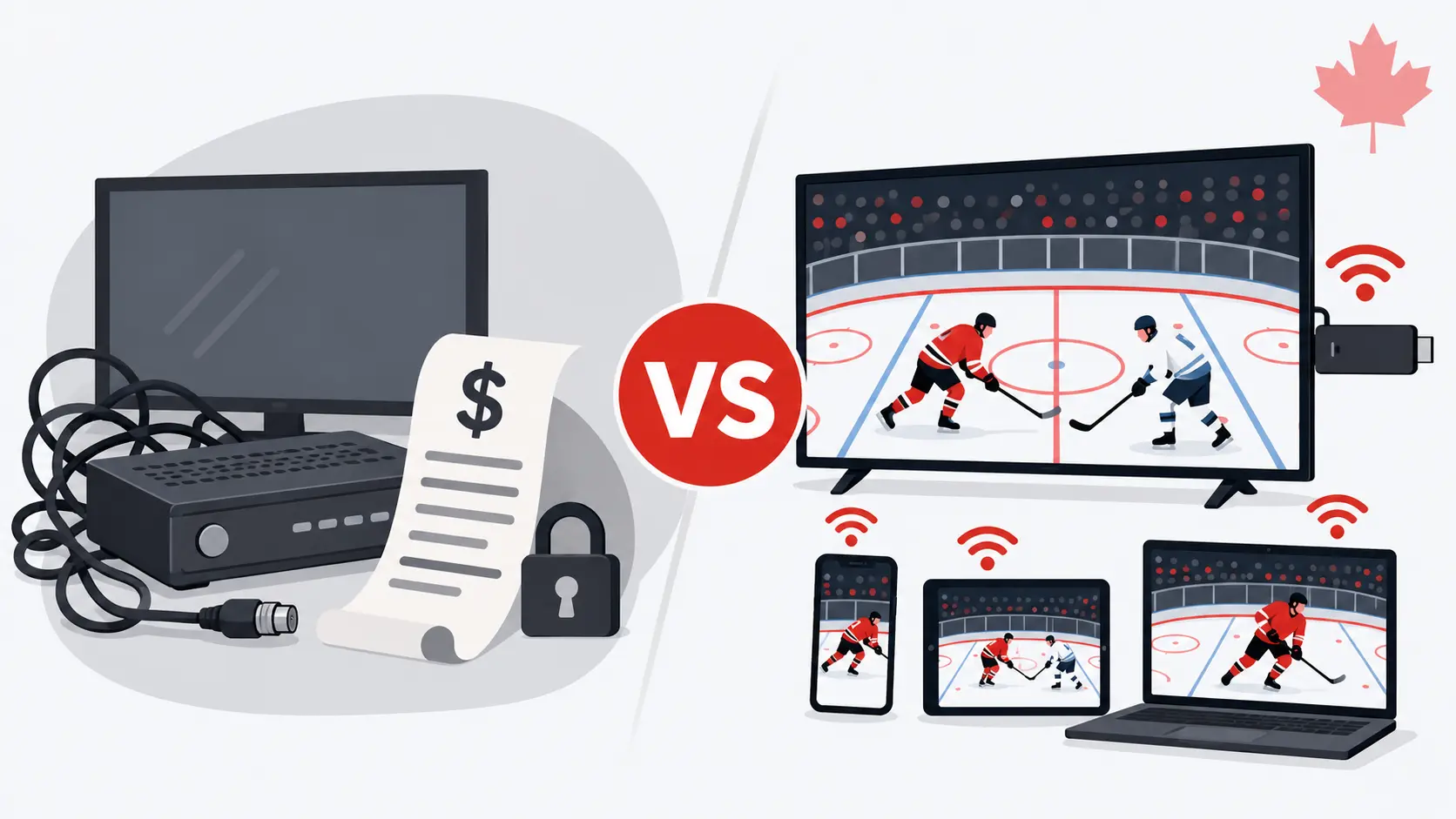
    • IPTV vs cable: cable makes sense if your internet is slow or unreliable, or if you want TV bundled with your home phone and internet on one bill.
    • IPTV usually costs much less, works on the devices you already own, needs no installation or contract, and moves with you.
    • About 46% of Canadian households had no cable, satellite or telecom TV subscription at the end of 2024, up from 42% a year earlier.

    For decades, watching TV in Canada meant a cable or satellite subscription, a box under the TV and a technician appointment. Today, almost half of Canadian households have dropped traditional TV, and many of them watch live channels over the internet instead. This IPTV vs cable guide compares the two on the points that matter most: price, channels, picture quality, equipment and flexibility.

    What is the difference between cable and IPTV?

    Cable TV is delivered by your provider’s own network to a receiver box it rents to you. The channels you get depend on the package and theme packs you pay for, and the service is tied to your address.

    IPTV (Internet Protocol Television) sends live channels over your regular internet connection. You watch in an app on a Smart TV, an Amazon Firestick, an Android box, a phone or a computer. There is no box to rent and nothing to install apart from the app. Read our FAQ for more on how IPTV works.

    IPTV vs cable at a glance

    Cable TVIPTV
    Monthly costBase package, plus theme packs, box rental and regular price increasesOne plan price, often paid for several months at a time
    ContractBundles often come with a 2-year termNo contract: choose 3, 6 or 12 months
    EquipmentReceiver box rented from the providerThe devices you already own
    InstallationTechnician appointment in some casesInstall an app, log in, watch
    ChannelsLimited to your packageCanadian, French, sports, US and international channels in one plan
    Watching on several TVsExtra boxes cost extra each monthMulti-screen plans for families
    MovingTransfer or cancel with the providerConnect to your new Wi-Fi and keep watching
    Depends on internetNoYes: about 10–15 Mbps per screen in HD, 25 Mbps in 4K

    IPTV vs cable cost: what you really pay for each

    The advertised price of a cable package is rarely what ends up on your bill. Theme packs, extra receivers, taxes and yearly price increases add up. For example, Bell announced a $3.00 per month increase on its Fibe TV packages from October 1, 2026, and its Internet + Fibe TV + Crave bundle is advertised from $105 a month on a 2-year Internet and TV term.

    The simplest way to compare is to take your last TV bill, keep only the TV part (package, theme packs and box rental), and compare it with the monthly cost of an IPTV plan:

    IPTV Canada 4K planPrice (CAD)Per month
    3 months, 1 screen$29.99$10.00
    6 months, 1 screen$45.99$7.67
    12 months, 1 screen$76.99$6.42
    12 months, 3 screens (family)$155.99$13.00 for the whole home

    You still need home internet for IPTV, but most Canadian households already pay for it. See all plans, including Premium and 2- or 4-screen options, in our pricing section.

    Channels and content

    With cable, each extra category costs more: a sports pack, a French pack, an international channel. IPTV plans usually bundle everything together. Our plans include Canadian channels in English and French, live sports, US networks, international channels in many languages, and a library of movies and series on demand. Browse the categories in our channel list.

    For multilingual households, this is often the biggest difference. Families who watch in English, French and a third language can get all three in one plan instead of paying for several add-ons.

    Picture quality and reliability

    Cable does not depend on your internet speed, which makes it very stable. IPTV quality depends on your connection: plan for about 10–15 Mbps per screen for HD and 25 Mbps for 4K. Most Canadian fibre and cable internet plans are well above that.

    To get the most stable IPTV picture, especially during live hockey or football:

    • Connect your main TV or streaming device with an Ethernet cable, or use 5 GHz Wi-Fi.
    • Use a mesh Wi-Fi system if your TV is far from the router.
    • Restart your router and device if the picture starts to buffer.

    Equipment and setup

    Cable requires your provider’s receiver for each TV, and each extra box is a monthly fee. IPTV runs on what you already have: a Samsung or LG Smart TV, an Android TV, an Amazon Firestick, an Apple TV, a phone or a computer. Setup takes about five minutes. Our setup guide covers every device step by step, and our dedicated guide shows you how to install IPTV on Firestick.

    Contracts and moving

    Cable bundles are often sold on a 2-year term, and moving means transferring the service or paying to cancel. An IPTV plan is linked to your login, not your address. If you move, or if you want to watch at the cottage, you connect to the new Wi-Fi and keep watching.

    When cable is still the better choice

    • Your internet is slow, capped or often unstable, for example in some rural areas.
    • You prefer one provider and one bill for TV, internet and home phone.
    • You don’t want to use apps or set up any device yourself.

    When IPTV is the better choice

    • You want to lower your monthly TV cost.
    • You watch in several languages, or follow sports across many channels.
    • You want TV on several screens without renting more boxes.
    • You rent, move often or don’t want a long contract.

    How to switch from cable to IPTV

    1. Test your internet speed on the TV you use most.
    2. Try IPTV first with a free trial to check your channels and picture quality.
    3. Choose a plan for the number of screens in your home.
    4. Cancel the TV part of your bill, keep your internet, and return the rented receivers to your provider.

    Frequently asked questions

    IPTV vs cable: is IPTV cheaper in Canada?

    In most cases, yes. A 12-month IPTV Canada 4K plan works out to $6.42 a month for one screen, with no box rental or contract. Compare it with the TV part of your current bill to see your own savings.

    Do I need cable to watch IPTV?

    No. You only need a home internet connection and a compatible device such as a Smart TV, Firestick, Android box, phone or computer.

    Can I keep my internet provider?

    Yes. IPTV works with any Canadian internet provider. You can cancel only the TV part of your bundle and keep your internet.

    What internet speed do I need for IPTV?

    About 10–15 Mbps per screen for HD and 25 Mbps for 4K. If several people watch at the same time, add the speed needed for each screen.

    Sources: Convergence Research, 2025 Couch Potato Report, via BNN Bloomberg (March 2025); iPhone in Canada (August 2026); Bell.ca (offer checked October 2026). Prices and offers can change.