
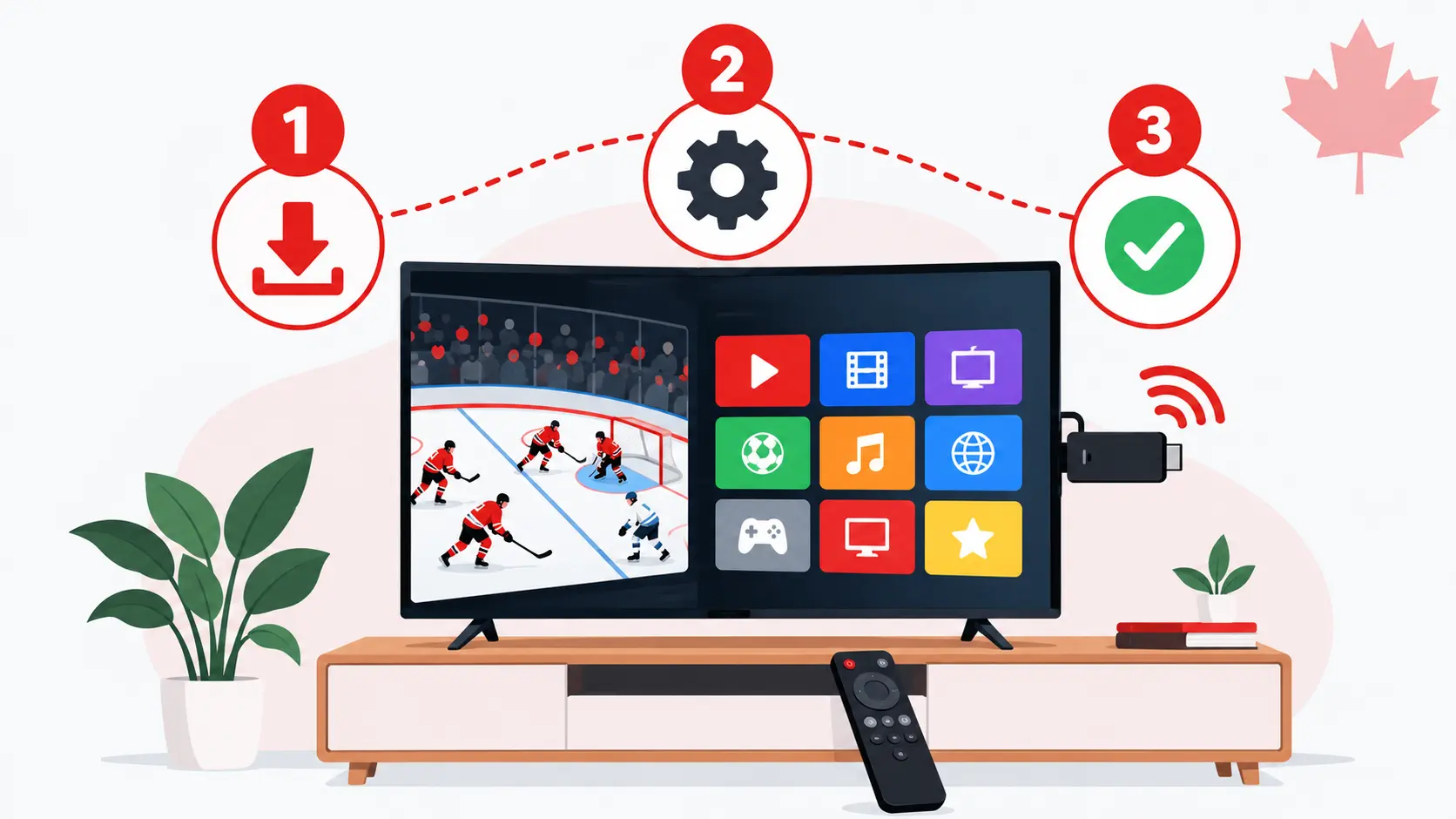
The short answer
- To install IPTV on Firestick, plan about 10 minutes: install Downloader, allow it to install apps, add IPTV Smarters Pro, then log in.
- You need your IPTV login (username, password and server URL) and a stable internet connection.
- Check your model first: the Fire TV Stick 4K Select and the 2026 Fire TV Stick HD run Amazon’s Vega OS, which does not allow installing IPTV apps this way.
The Amazon Firestick is one of the most popular ways to watch IPTV in Canada: it is small, affordable and plugs into any TV with an HDMI port. This guide shows you how to install IPTV on Firestick step by step, and how to fix the problems people run into most often.
Before you start: check your Fire TV model
Not every Firestick can run IPTV player apps, so check your model before you install IPTV on Firestick. Since late 2025, Amazon has been moving its Fire TV Sticks from Fire OS (based on Android) to its own system, Vega OS. Vega OS only runs apps from the Amazon Appstore, so you can’t install IPTV player apps with Downloader. Amazon has said that all future Fire TV Sticks will run Vega OS.
| Fire TV model | System | Works with this guide? |
|---|---|---|
| Fire TV Stick 4K Max | Fire OS | Yes |
| Fire TV Stick 4K / 4K Plus | Fire OS | Yes |
| Fire TV Cube | Fire OS | Yes |
| Older Fire TV Stick (HD, before 2026) | Fire OS | Yes |
| Fire TV Stick 4K Select (2025) | Vega OS | No |
| Fire TV Stick HD (2026 model) | Vega OS | No |
To see which model you have, open Settings › My Fire TV › About: the model name is shown at the top. If you are about to buy a Firestick for IPTV, choose a Fire TV Stick 4K Max, and check the product page or box to make sure it runs Fire OS.
What you need to install IPTV on Firestick
- A Firestick that runs Fire OS (see the table above), connected to your TV and to the internet.
- Your IPTV login details: a username, a password and a server URL. With IPTV Canada 4K, we send them to you on WhatsApp.
- An internet speed of about 10–15 Mbps for HD, or 25 Mbps for 4K.
Step 1: Install the Downloader app
To install IPTV on Firestick, you first need Downloader: IPTV player apps are not in the Amazon Appstore, but this free app is.
- On the Fire TV home screen, go to Find › Search.
- Type Downloader and select the app with the orange icon.
- Select Get or Download and wait for it to install.
Step 2: Turn on Developer options
On recent Fire TV software, Developer options are hidden until you unlock them:
- Go to Settings › My Fire TV › About.
- Select your device name (the first line) 7 times in a row.
- A message confirms that you are now a developer. Go back: Developer options now appears in My Fire TV.
Step 3: Allow Downloader to install apps
- Go to Settings › My Fire TV › Developer options.
- Select Install unknown apps.
- Find Downloader in the list and turn it ON.
Downloader is not in the list? A Fire TV software update in August 2026 caused this bug, and Amazon released a fix from mid-September 2026. Update your device in Settings › My Fire TV › About › Check for updates, restart it, then try again.
Step 4: Install IPTV Smarters Pro
IPTV Smarters Pro is a free, easy-to-use player app. It comes empty: your channels appear once you add your IPTV login.
- Open Downloader and accept the storage permission if asked.
- In the URL field, enter the download link we send you on WhatsApp, then select Go.
- When the download finishes, select Install, then Done.
- Downloader asks if you want to delete the installation file: select Delete twice to free up space.
Step 5: Log in with your IPTV details
- Open IPTV Smarters Pro and accept the terms.
- Choose Login with Xtream Codes API.
- Enter any name you like, then your username, password and server URL exactly as we sent them. Capital letters and spaces matter.
- Select Add user and wait while the channels, movies and series load.
Step 6: Set the program guide to your time zone
Canada has six time zones, so set the guide to yours: in IPTV Smarters Pro, open Settings and adjust the EPG time shift until the guide matches your local time zone (Pacific, Mountain, Central, Eastern, Atlantic or Newfoundland). Then open Live TV and start watching.
Prefer TiviMate?
TiviMate is another popular player with a cable-style TV guide. It installs the same way through Downloader: ask us for the TiviMate download link on WhatsApp, install it, then choose Add playlist › Xtream Codes and enter your login details. Some TiviMate features need a Premium upgrade sold by its developer.
Tips for a smooth picture on Firestick
- Use 5 GHz Wi-Fi, or an Ethernet adapter for the Firestick for the most stable connection during live sports.
- Keep the Firestick in view of the router with the HDMI extender that comes in the box, so the TV doesn’t block the signal.
- Restart the Firestick once a week: hold Select and Play/Pause together for about 5 seconds.
- Free up storage in Settings › Applications › Manage Installed Applications by clearing the cache of apps you use a lot.
Can’t install IPTV on Firestick? Common problems and fixes
| Problem | What to do |
|---|---|
| Developer options is missing | Go to Settings › My Fire TV › About and select the device name 7 times. |
| Downloader is not in “Install unknown apps” | Update your Fire TV software and restart it (fix released in September 2026). |
| “App not installed” | Free up storage, delete old installation files in Downloader, then try again. |
| “Invalid login” or “Login failed” | Check the username, password and server URL for typing errors and extra spaces. |
| The picture buffers or freezes | Restart the router and Firestick, switch to 5 GHz Wi-Fi or Ethernet, and close other apps. If it continues, message us. |
| Downloader can’t be found in the Appstore | Your Firestick probably runs Vega OS. See the section below. |
Have a Fire TV Stick with Vega OS?
If you own a Fire TV Stick 4K Select or a 2026 Fire TV Stick HD, you can’t install IPTV Smarters Pro or TiviMate on it. You still have good options:
- Return it if you just bought it, and choose a Fire TV Stick 4K Max instead.
- Use an Android TV or Google TV device, where TiviMate and IPTV Smarters Pro install from the Google Play Store.
- Use your Smart TV directly: Samsung and LG TVs can run IBO Player Pro from their app store.
Our setup guide covers each of these devices step by step.
Frequently asked questions
Which Firestick is best for IPTV in Canada?
The Fire TV Stick 4K Max is the best choice: it runs Fire OS, supports Wi-Fi 6E and 4K, and lets you install IPTV player apps. Avoid the 4K Select and the 2026 HD model, which run Vega OS.
Is IPTV Smarters Pro free?
Yes, the app is free. It is only a player: you need an IPTV subscription to get channels, movies and series in it.
How long does it take to install IPTV on Firestick?
About 10 minutes the first time. After that, you just open the app and watch.
Can I use one IPTV plan on several Firesticks?
A single-screen plan works on one device at a time. To watch on several TVs at once, choose a 2, 3 or 4-screen family plan.
Sources: Cord Busters (April 2026) on Vega OS models; AFTVnews on the August 2026 Downloader bug and its September 2026 fix. Fire TV menus can change with software updates.